


Installation Guide
Follow easy steps below to install Kaizen Protect
Step 1: Download Setup Installer
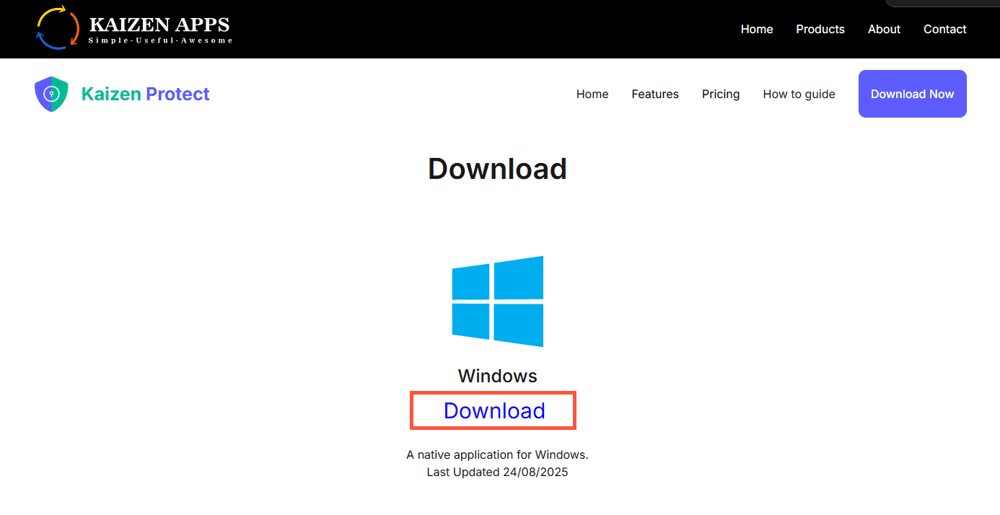
2. Click on Download Now Button which will take you to Download Page
3.After coming to Download page, click on Download Now to start downloading. Kindly note that downloading might take upto 5 mins so kindly wait for some time after you click. Or you can directly go to Download Page by Clicking here.
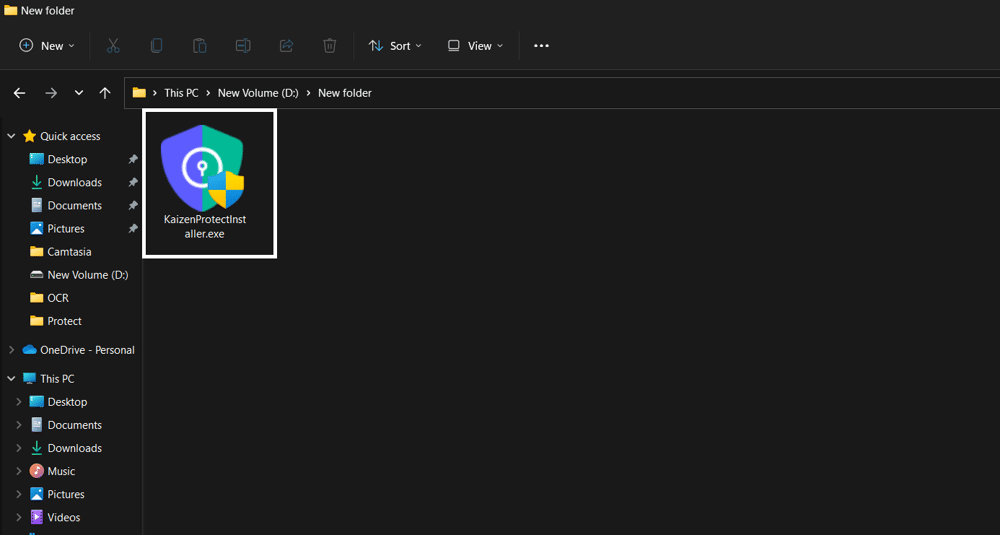
Step 2: Install Kaizen Protect
2. Follow Setup Instructions to proceed with the installation.
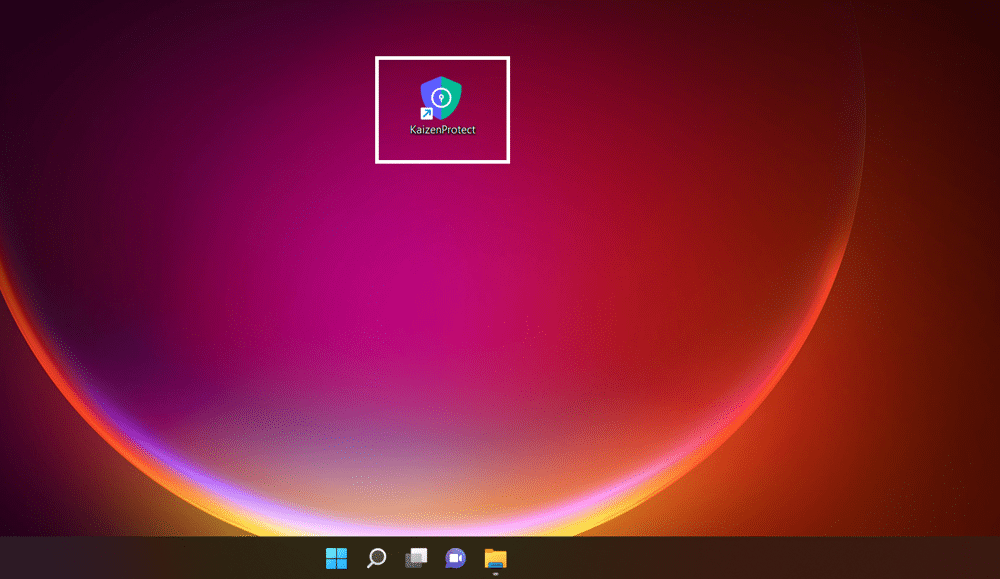
Step 3: Confirm Installation
See What Kaizen Protect Looks Like
Preview our interface and features in action—clean, intuitive, and easy to use.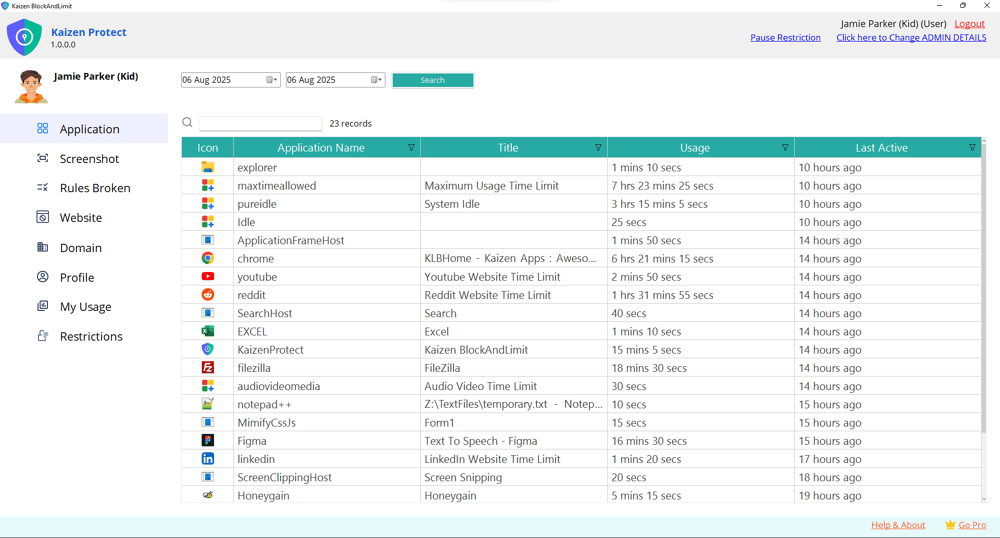
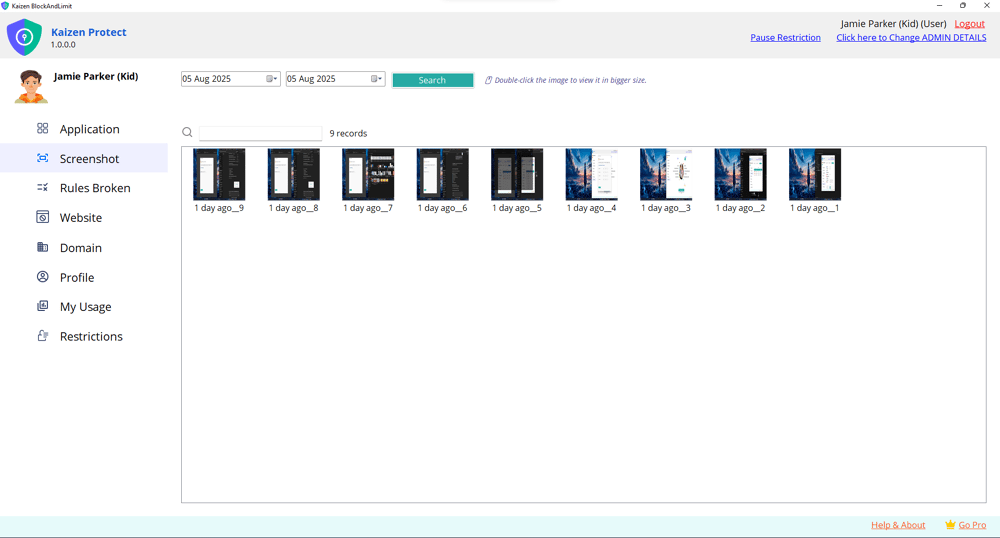
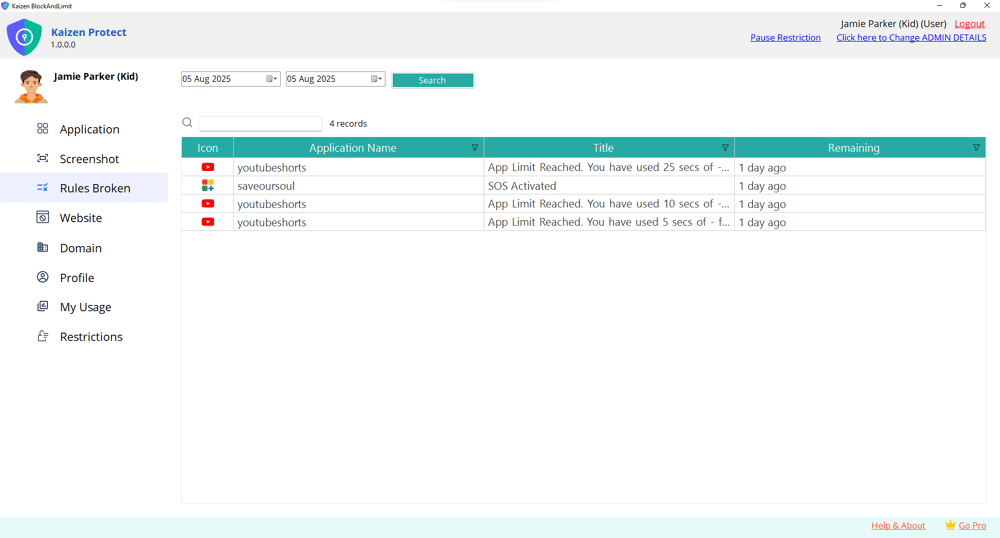
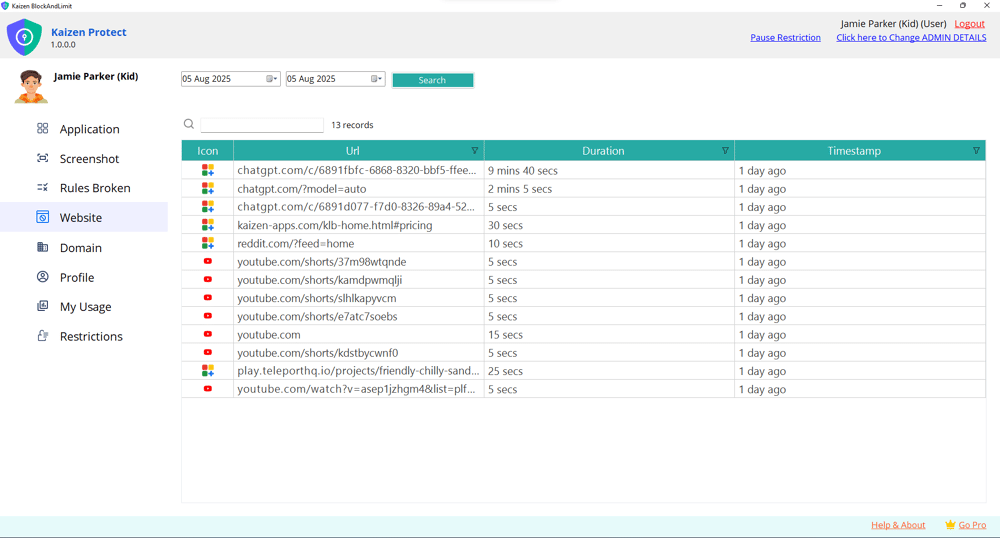
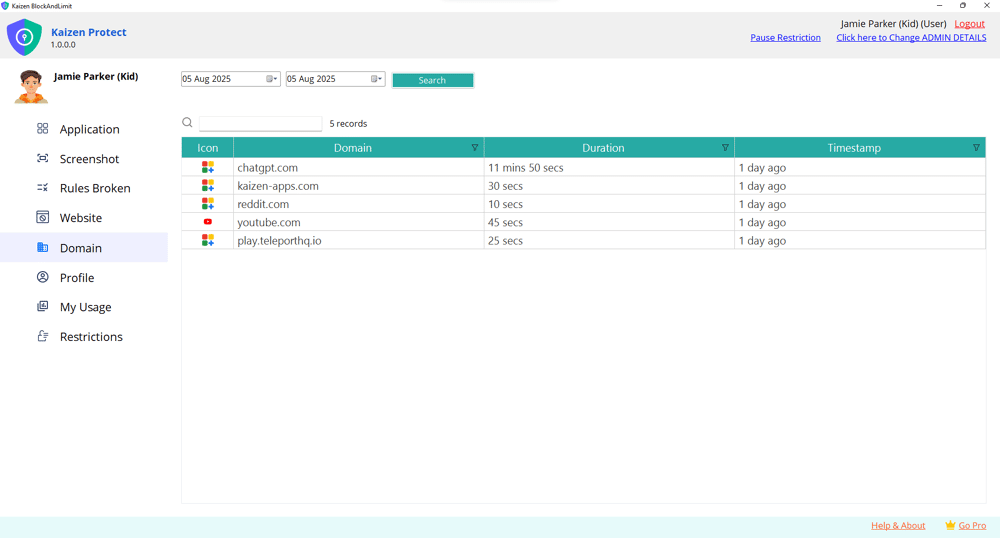
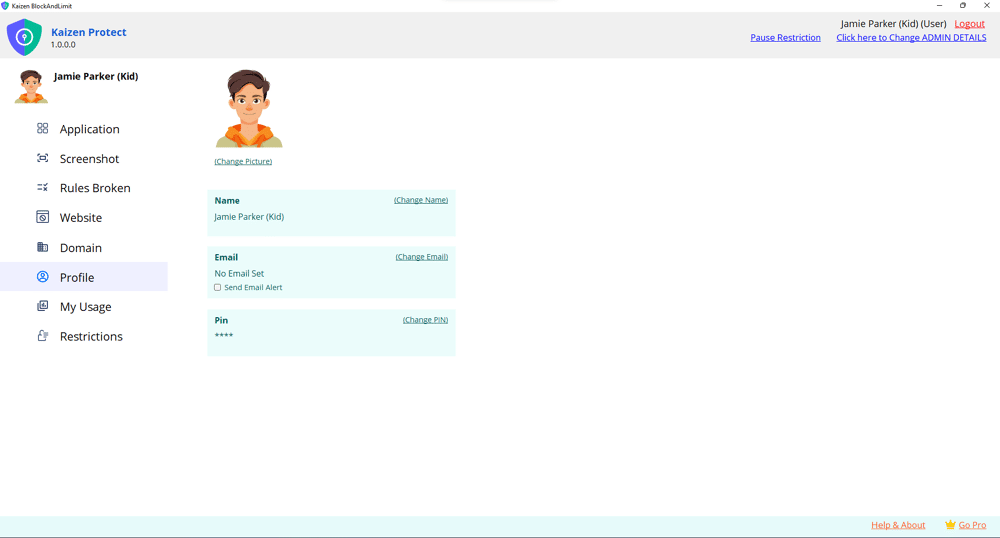
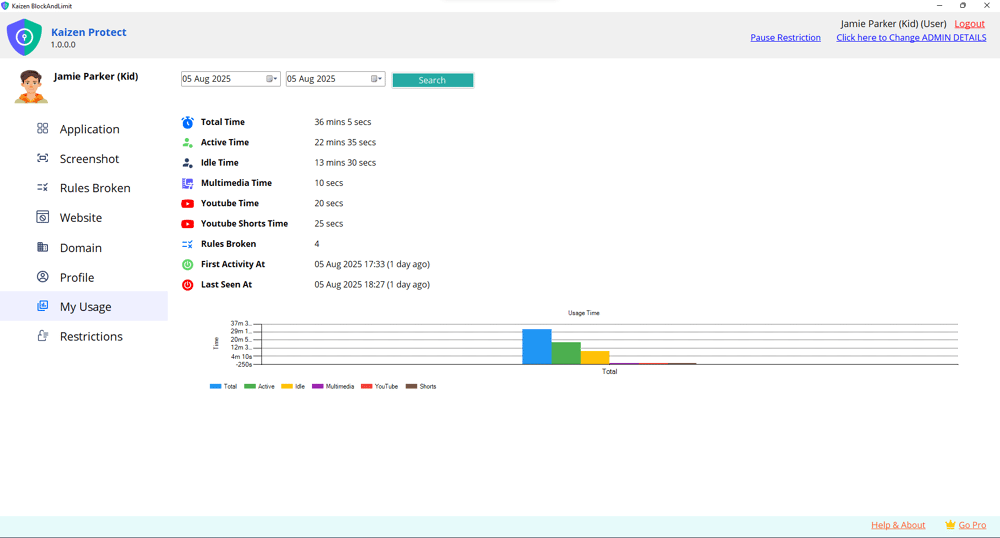
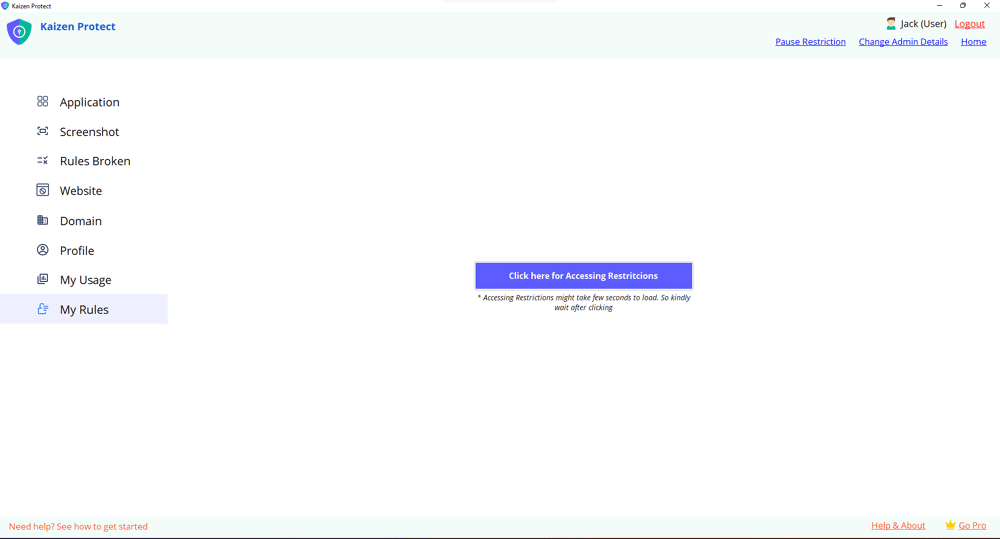
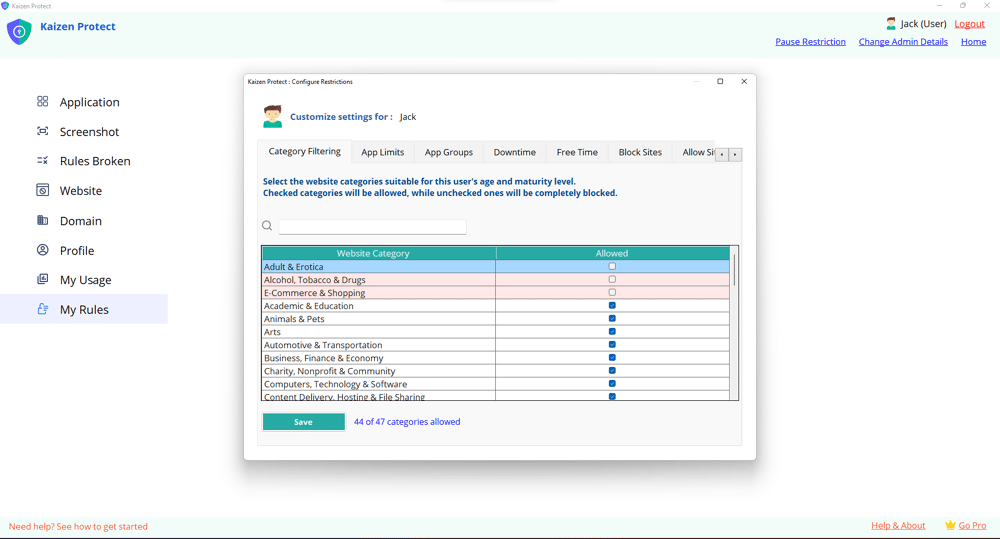
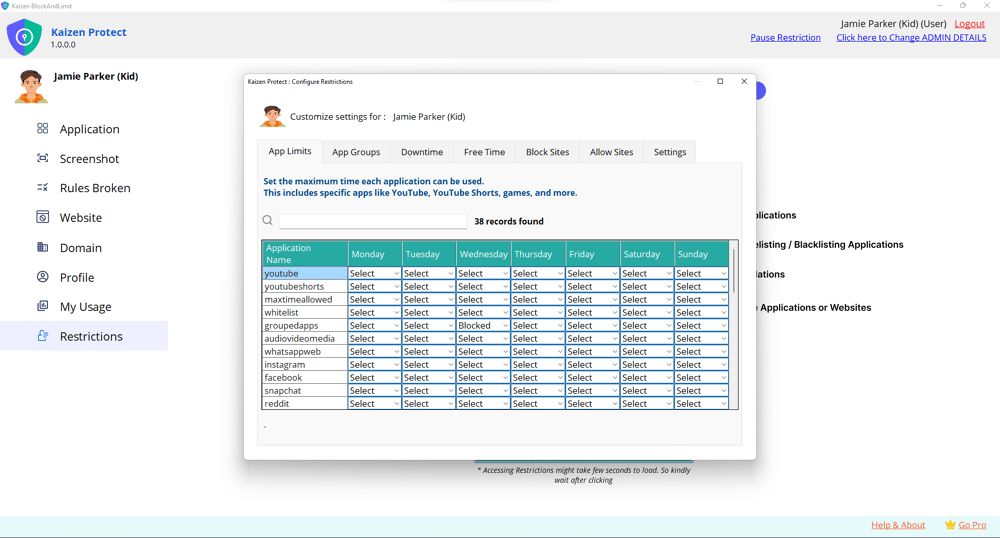
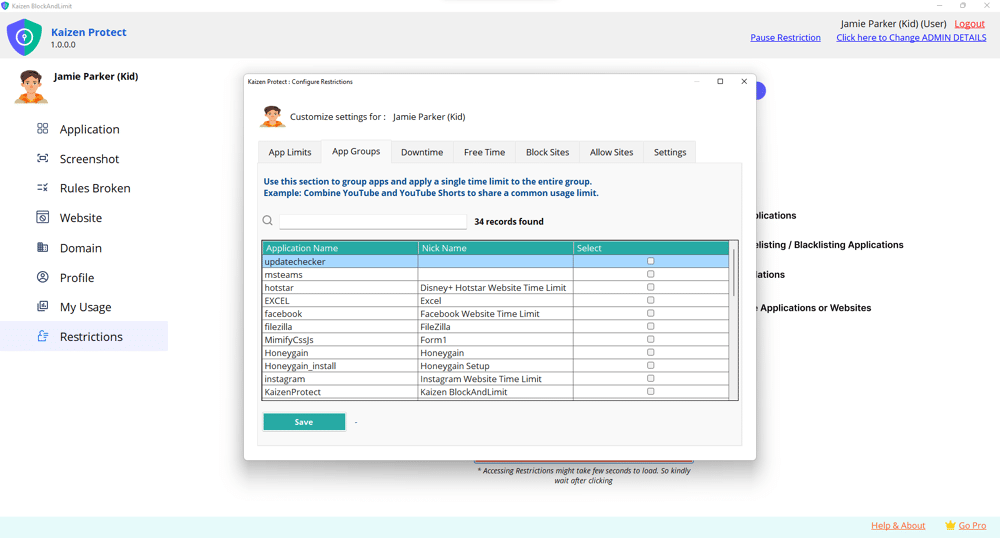
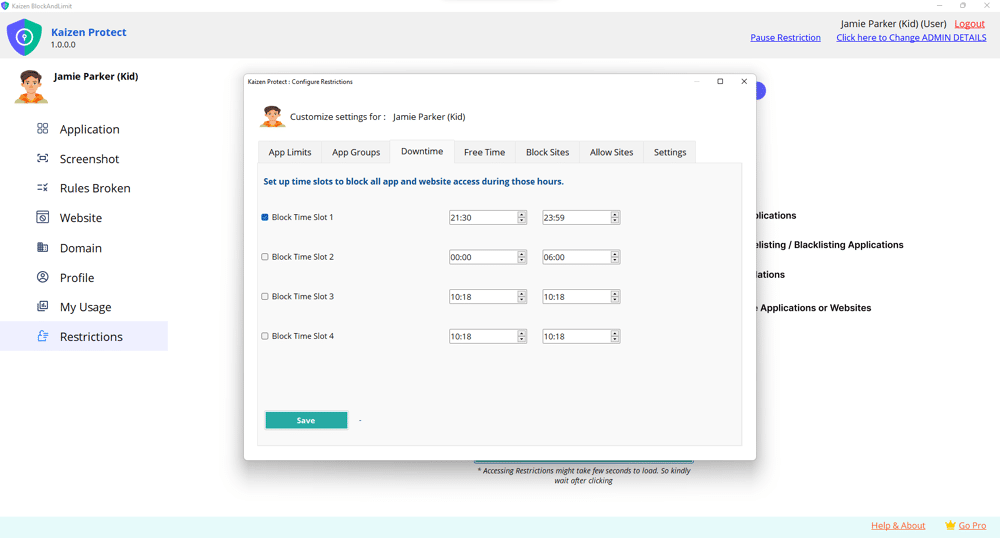
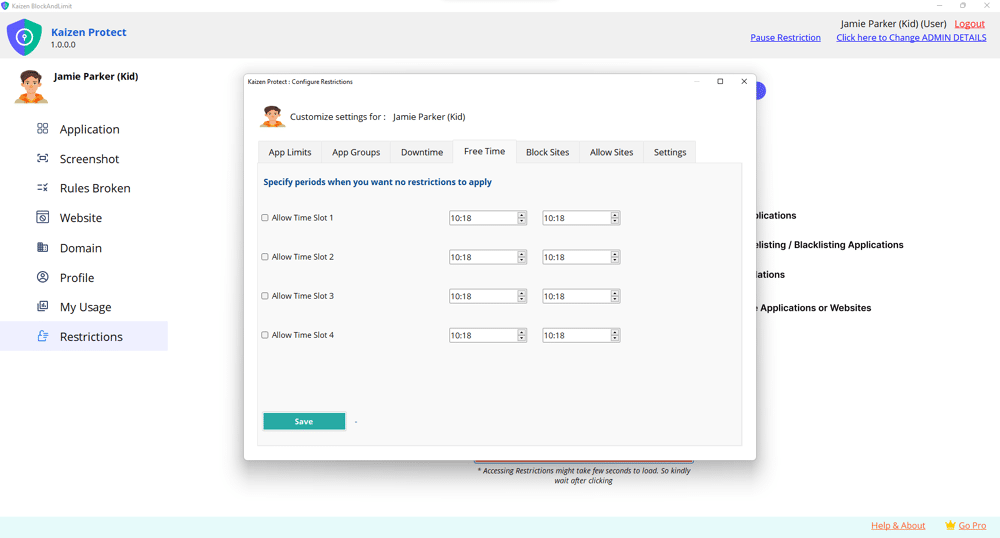
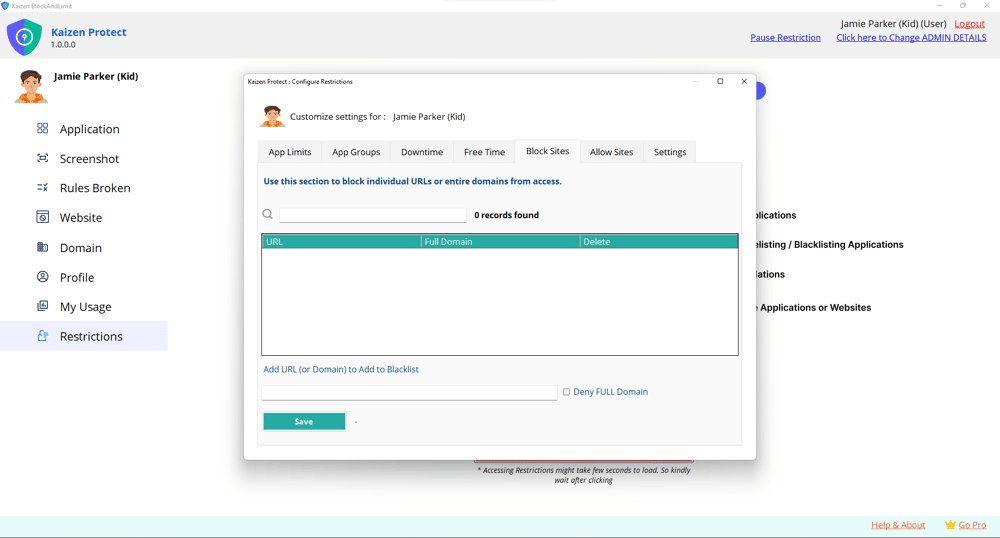
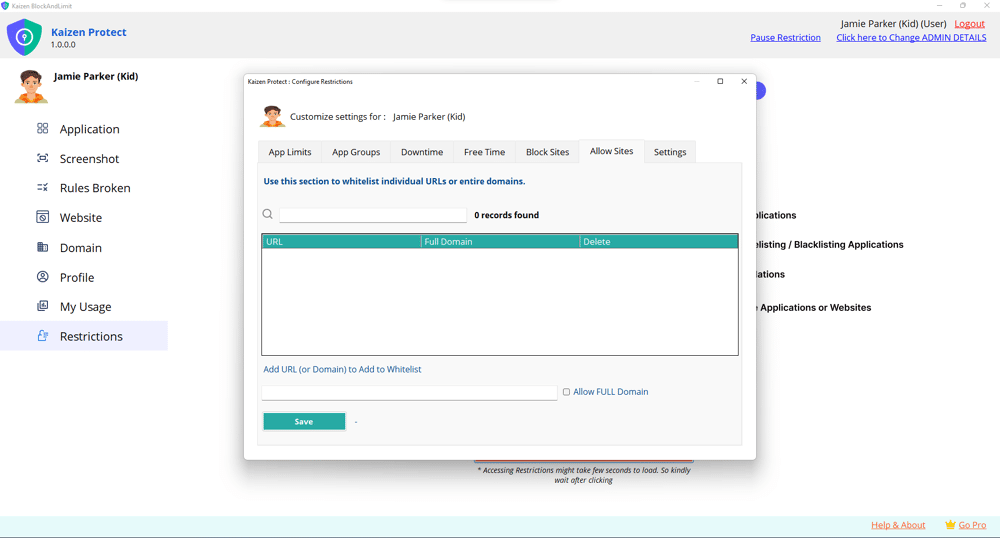
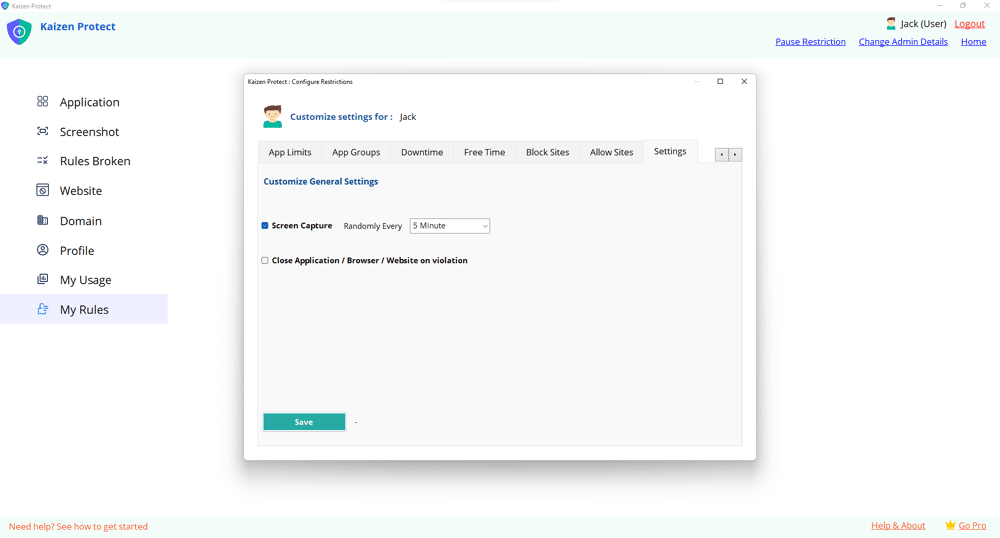
It’s not just about restrictions—it’s about guiding your child to make better digital choices.
Try Now
Try Now