


Uninstall Guide
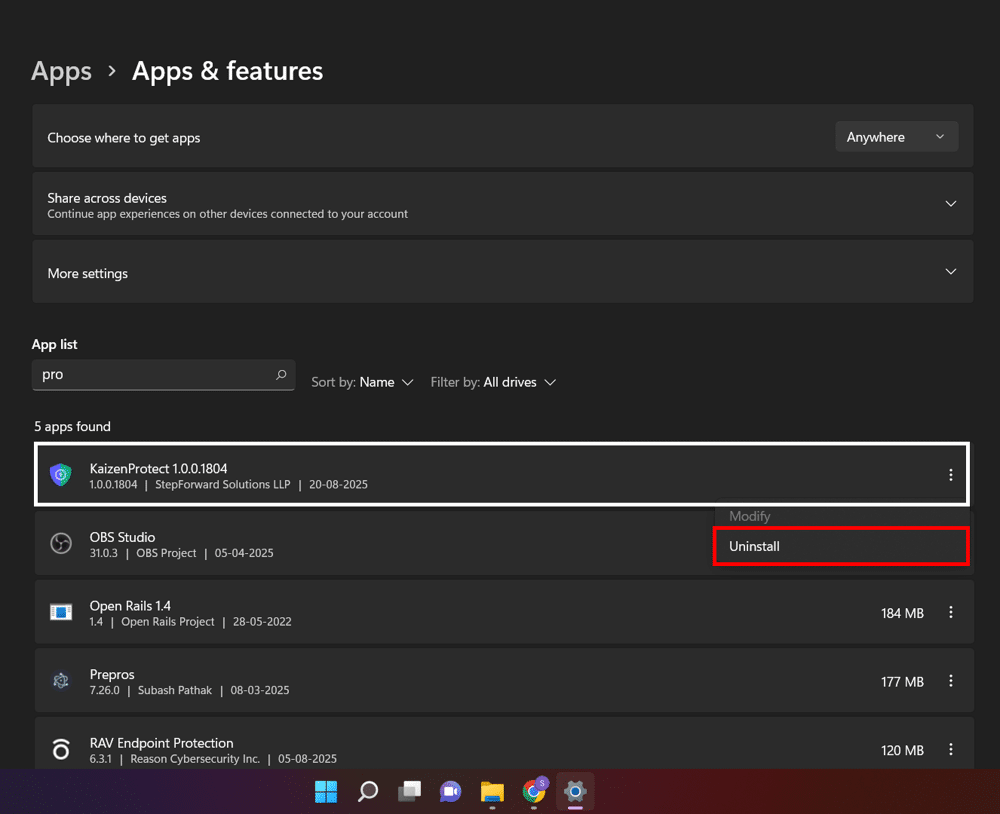
Follow easy steps below to Uninstall Kaizen Protect
Step 1: Uninstall from Add Remove Programs
2. Select Kaizen Speech Studio
3. Right Click Selection and select UNINSTALL
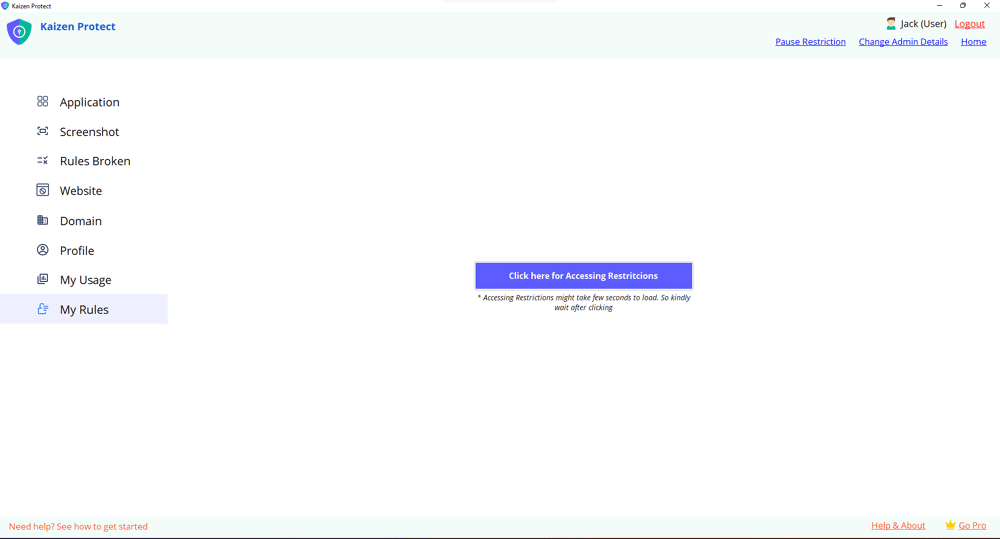
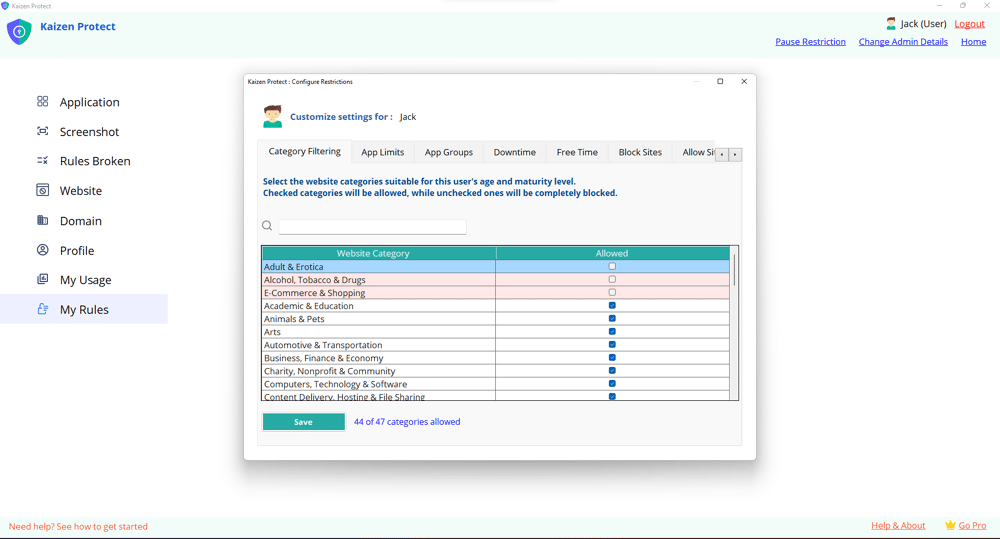
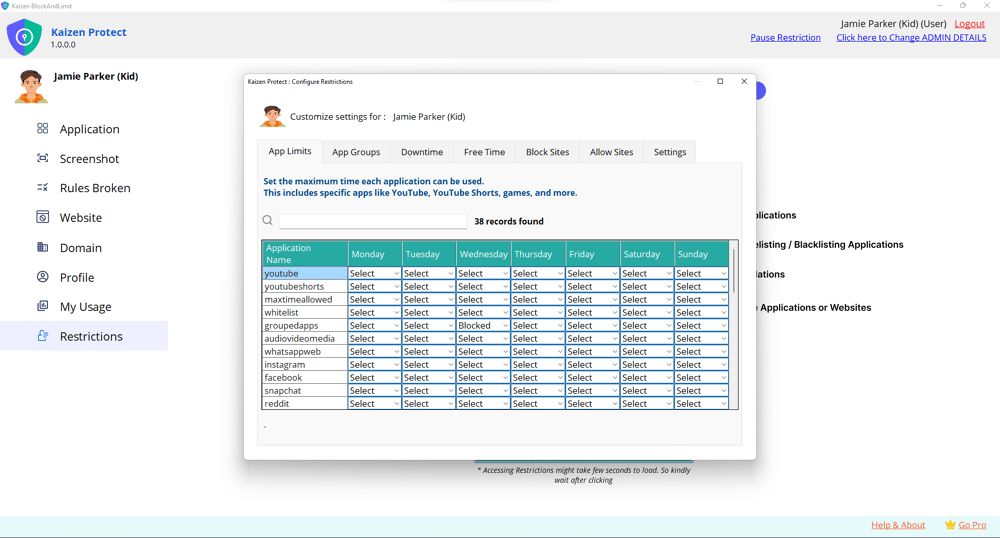
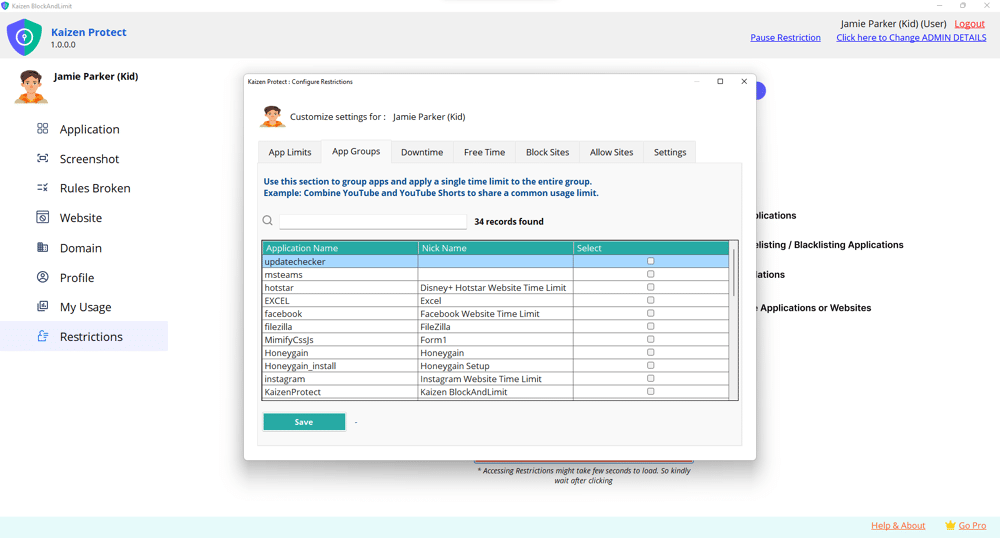
See What Kaizen Protect Looks Like
Preview our interface and features in action—clean, intuitive, and easy to use.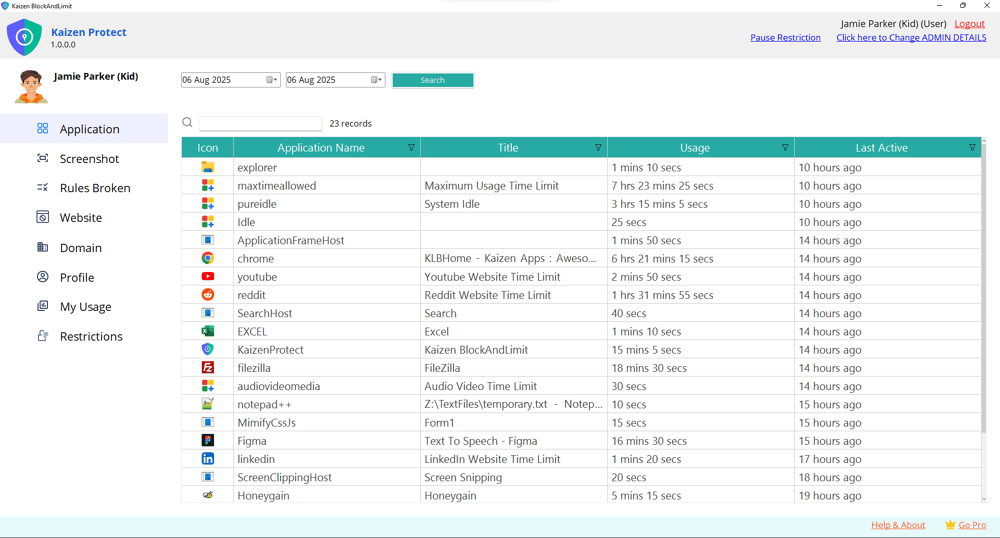
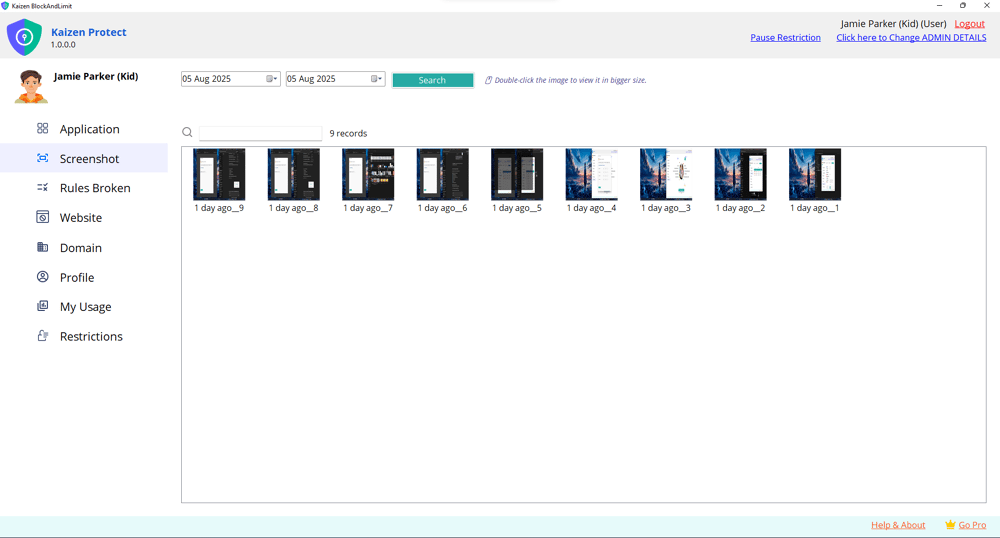
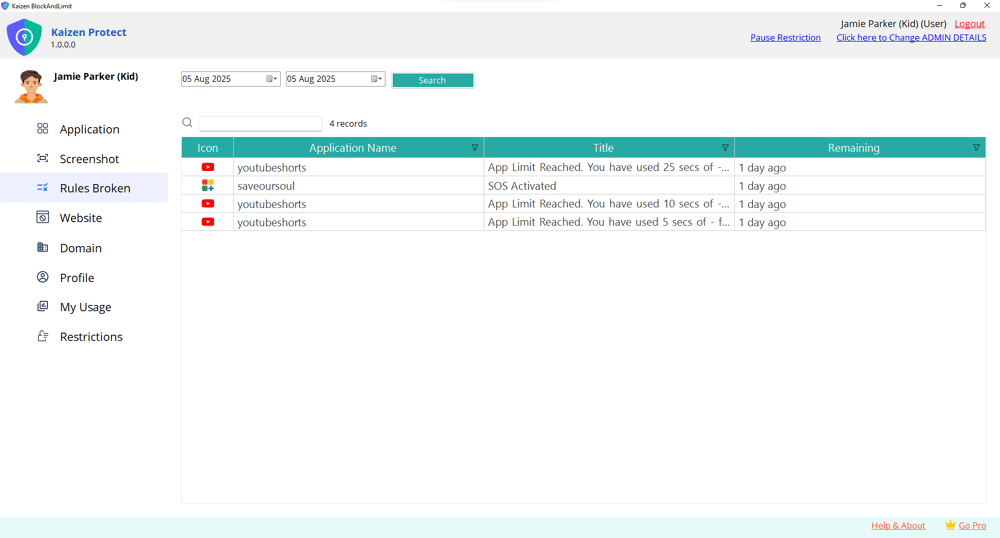
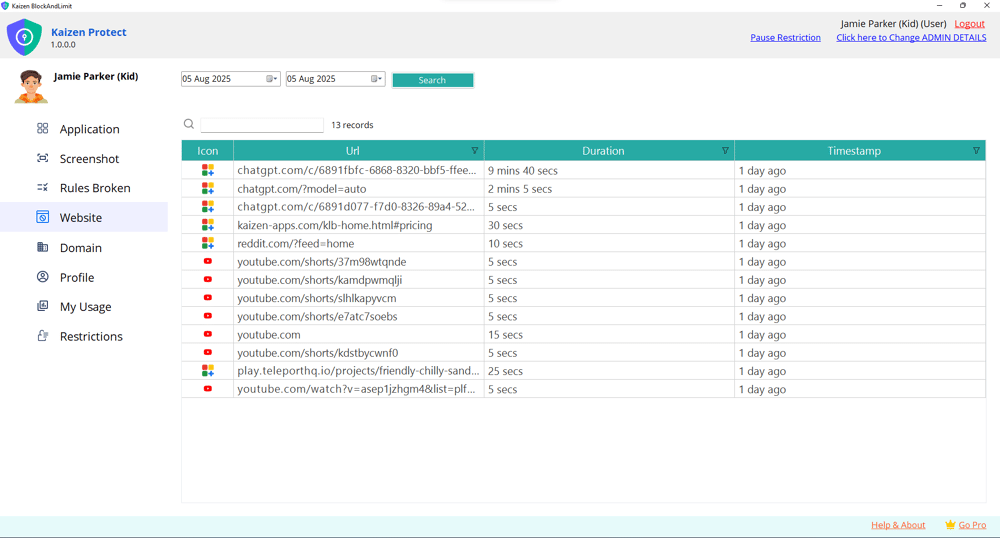
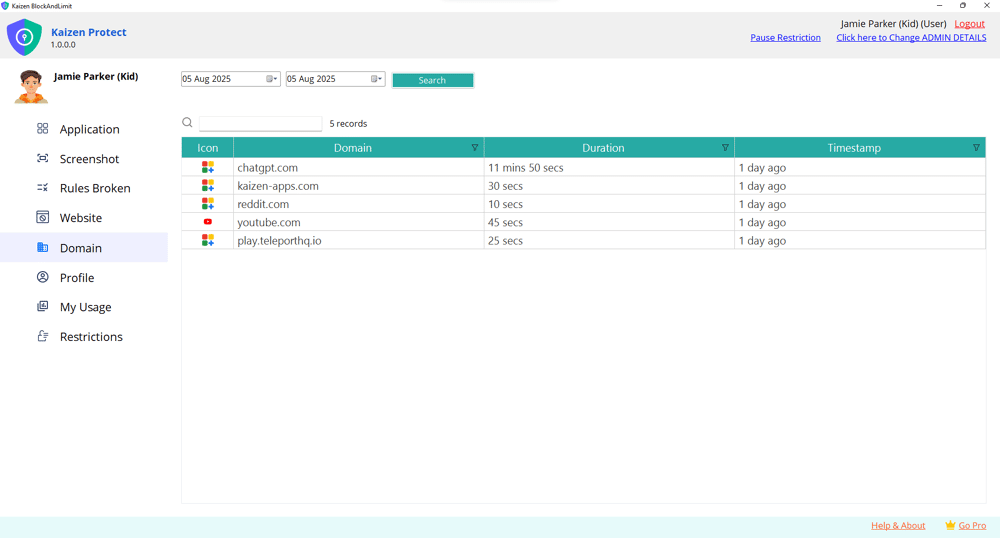
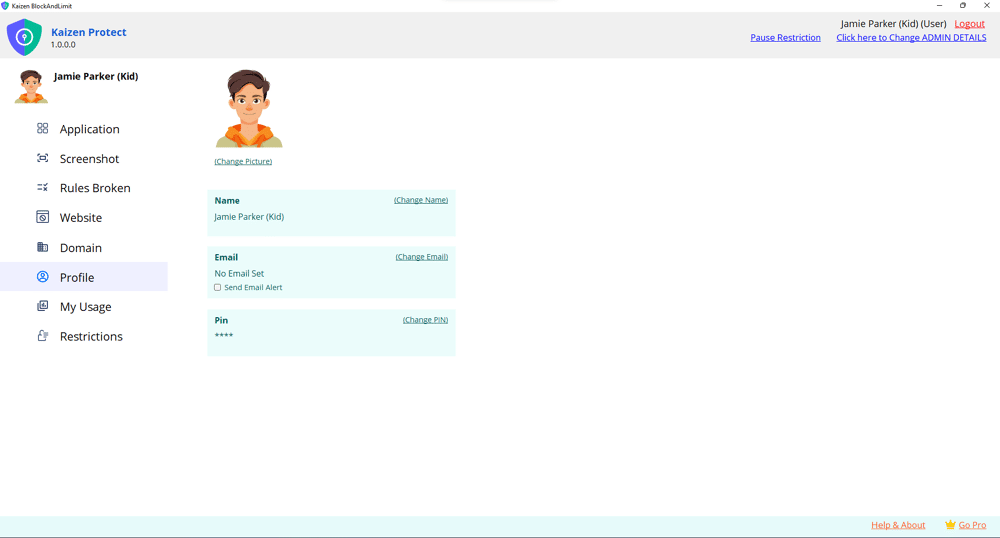
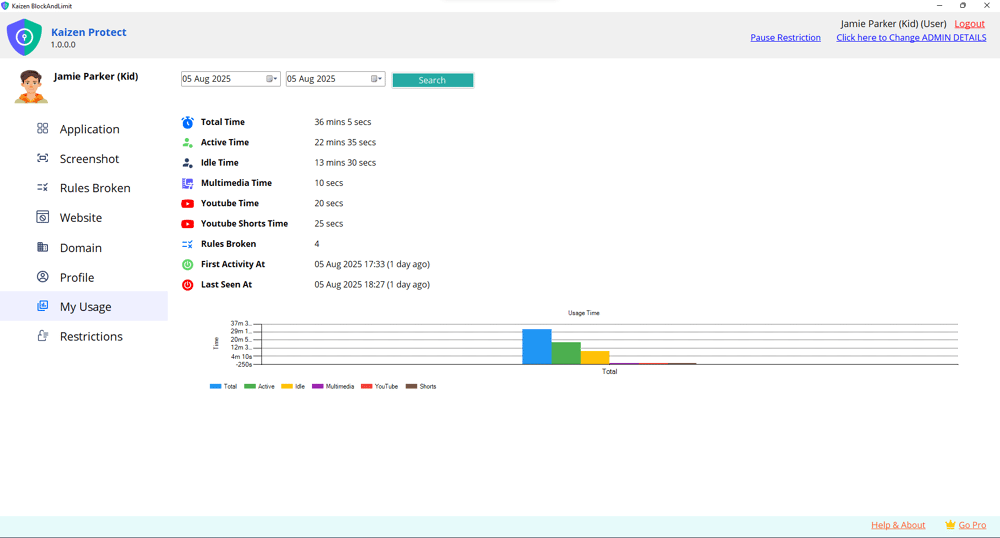
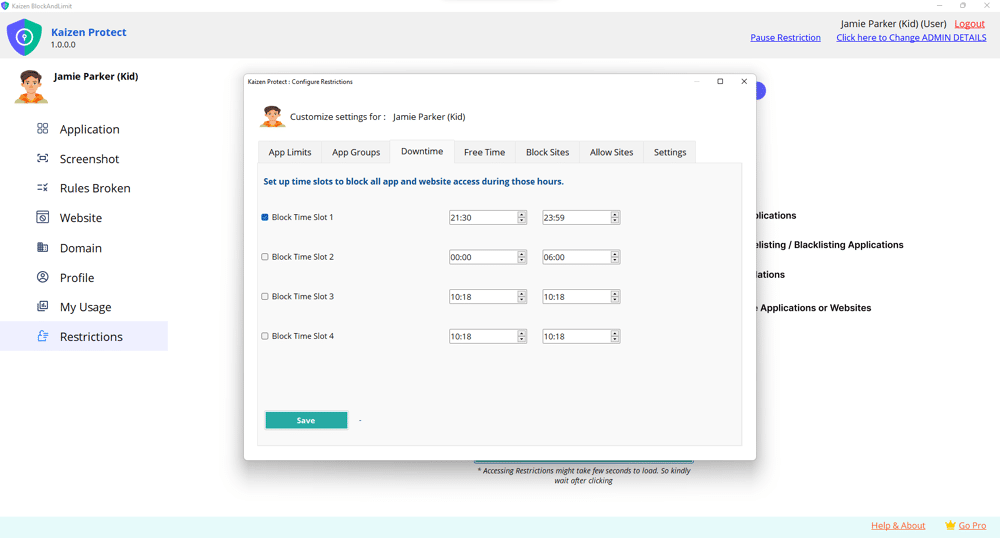
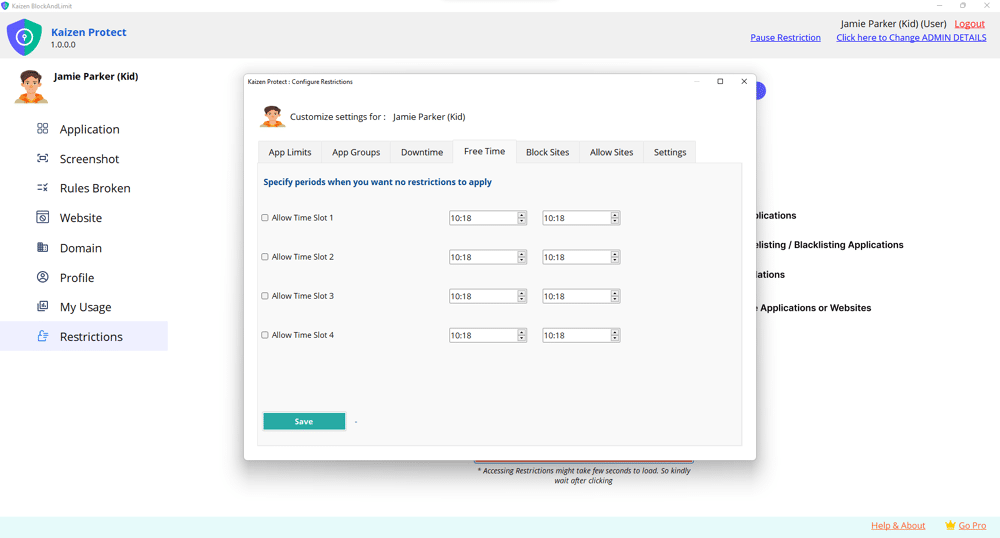
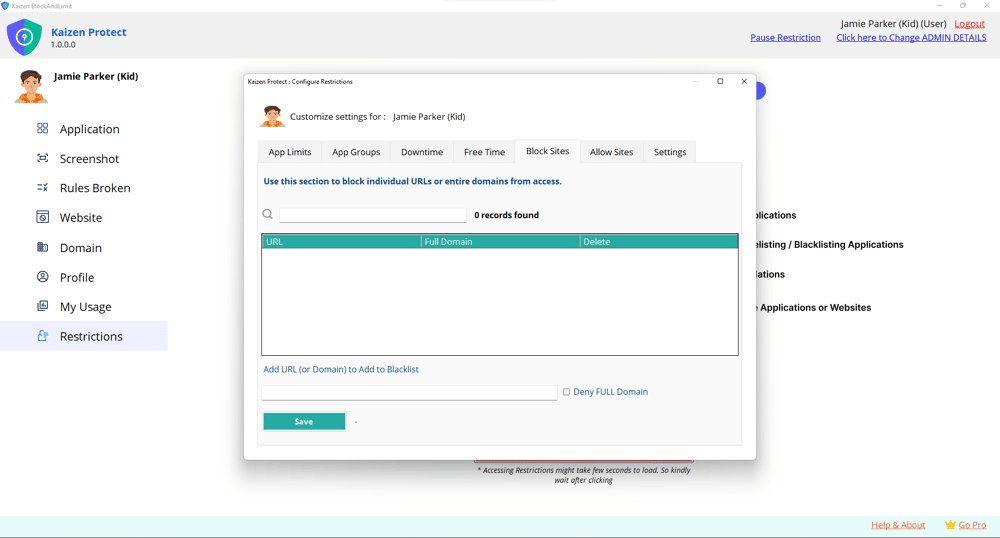
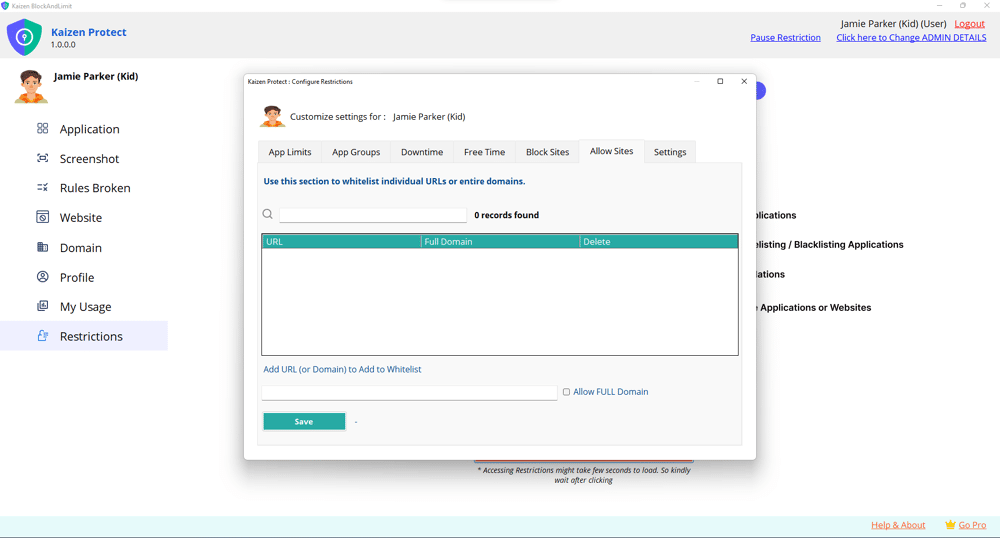
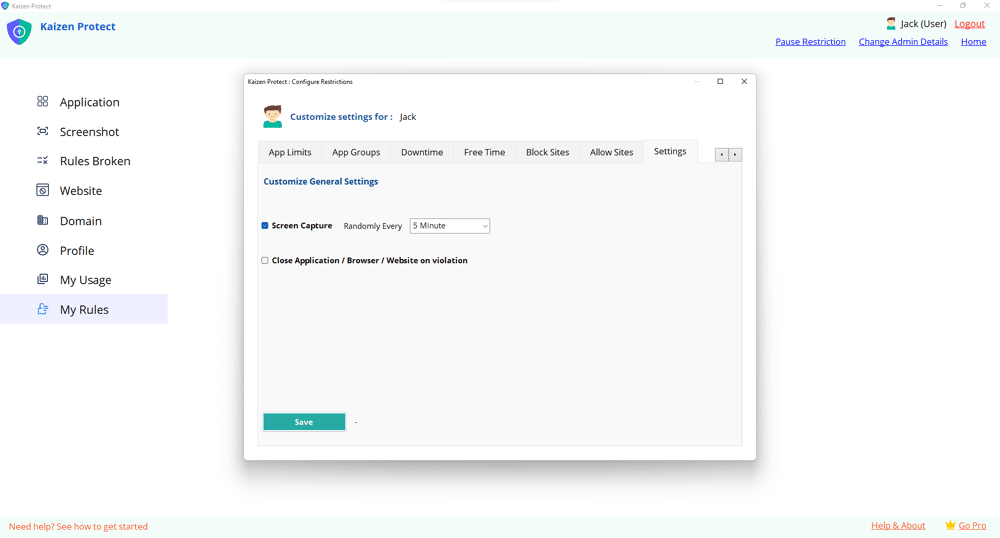
It’s not just about restrictions—it’s about guiding your child to make better digital choices.
Try Now
Try Now