

14 OCR Modes – Feature Details
📄 Overview
With 14 OCR Modes, you can control how text is detected, segmented, and recognized. Each mode is optimized for different layouts—whether it’s a single line, a page, scattered words, or even circular text. Choosing the right mode improves accuracy and reduces errors.
✨ The 14 OCR Modes
Auto – Automatically selects the best mode based on the content.
AutoOnly – Strictly uses automatic detection, no fallback.
AutoOsd – Auto mode with Orientation & Script Detection.
CircleWord – Detects and extracts circular or curved words.
OsdOnly – Detects text orientation and script without extracting text.
RawLine – Reads raw text line-by-line, preserving spacing.
SingleBlock – Extracts a full block of text as one unit.
SingleBlockVertText – Reads vertical blocks of text.
SingleChar – Recognizes one character at a time (great for symbols).
SingleColumn – Optimized for column-based documents.
SingleLine – Extracts text from a single line only.
SingleWord – Extracts one word at a time.
SparseText – Detects scattered text fragments across the image.
SparseTextOsd – Sparse text with orientation/script detection.
📌 When to Use
Auto / AutoOsd – Best for general use cases.
SingleLine / SingleWord – For receipts, labels, or short text captures.
SingleBlock / SingleColumn – For structured pages or scanned reports.
SparseText / SparseTextOsd – For posters, menus, or irregular layouts.
CircleWord – For round text in logos, seals, or stamps.
SingleChar – For special characters, IDs, or isolated symbols.
🔒 Privacy First
All OCR processing happens locally on your computer. No files are uploaded online, so your data remains 100% private and secure.
📦 Availability in Plans
✅ Free Plan – Includes all 14 OCR Modes (English only).
✅ One Year Plan – Includes all 14 modes + 109 languages.
✅ Three Year Plan – Includes all 14 modes + 109 languages + advanced enhancements.
Want to unlock the full power of OCR?
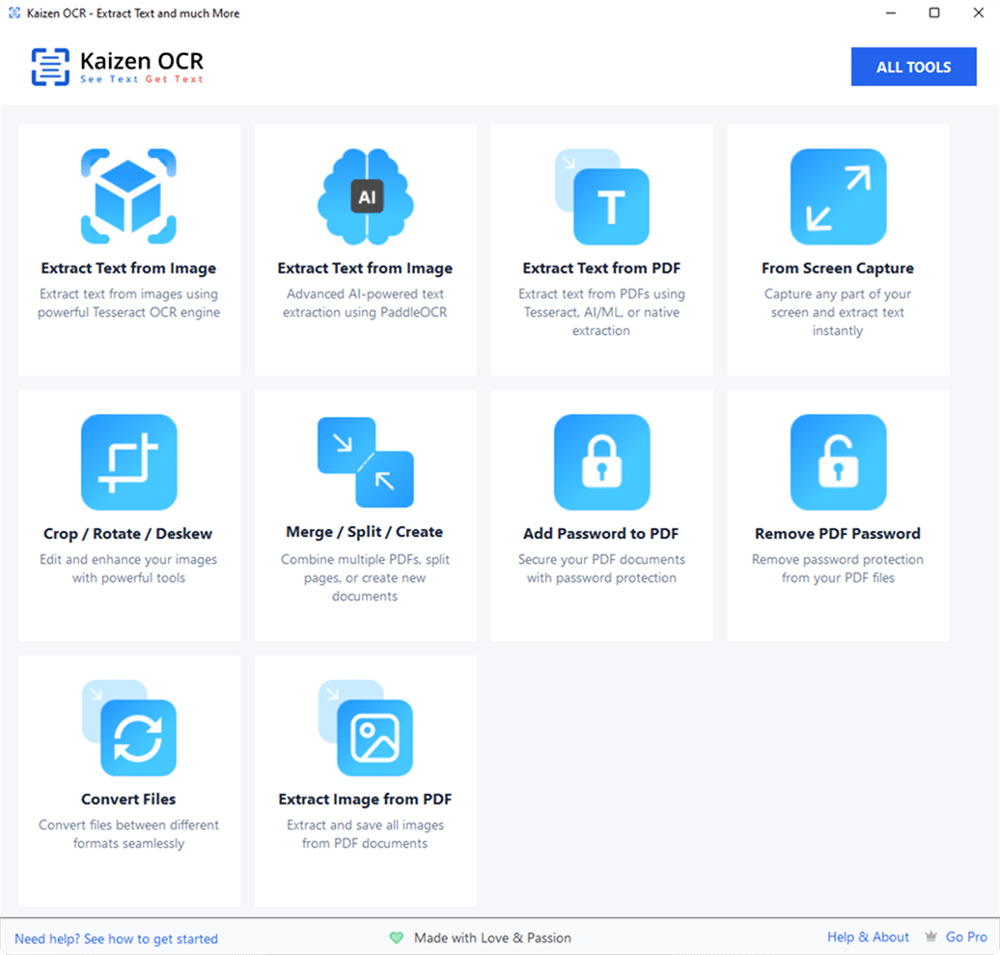
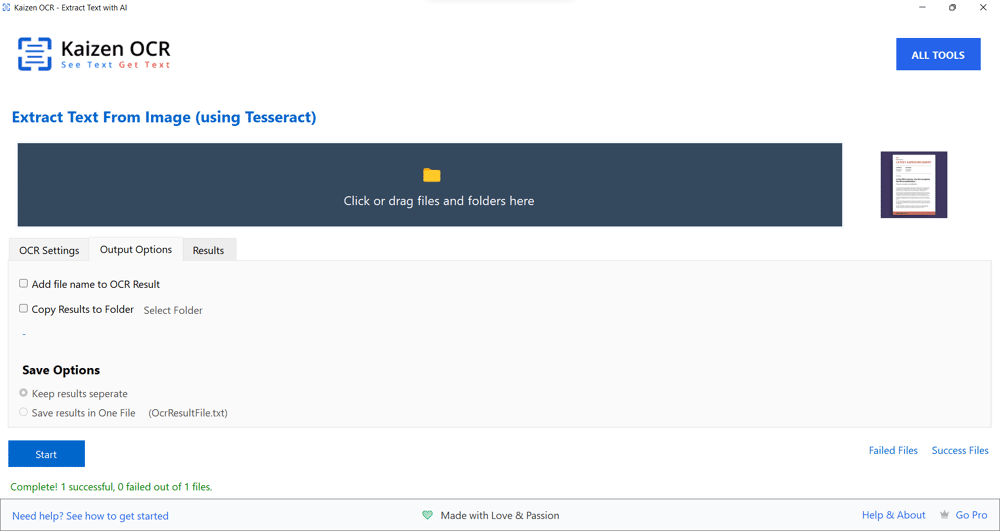
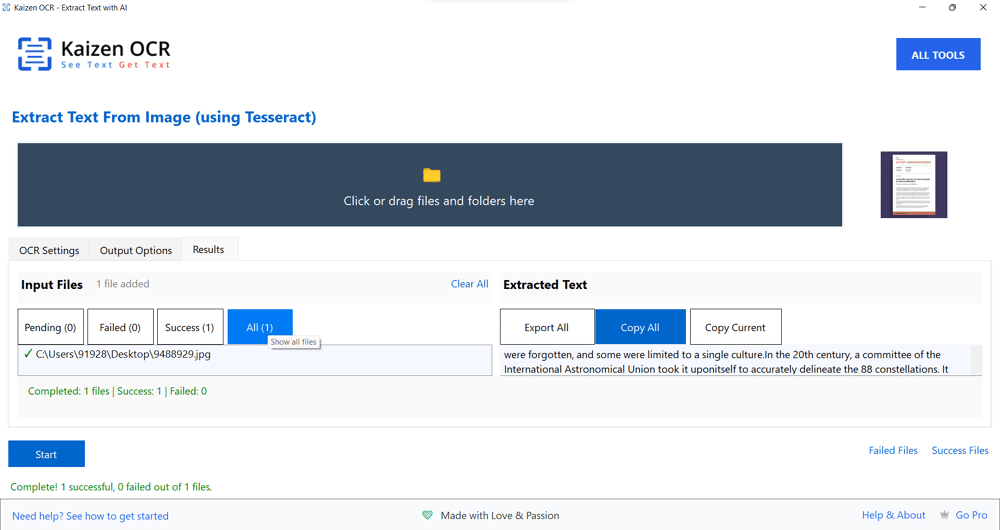
Back to PricingSee What Kaizen OCR Looks Like
Preview our interface and features in action—clean, intuitive, and easy to use.