kaizen Speech Studio
How Azure Key Works
🔑 How Azure Keys Work
What is an Azure Key?
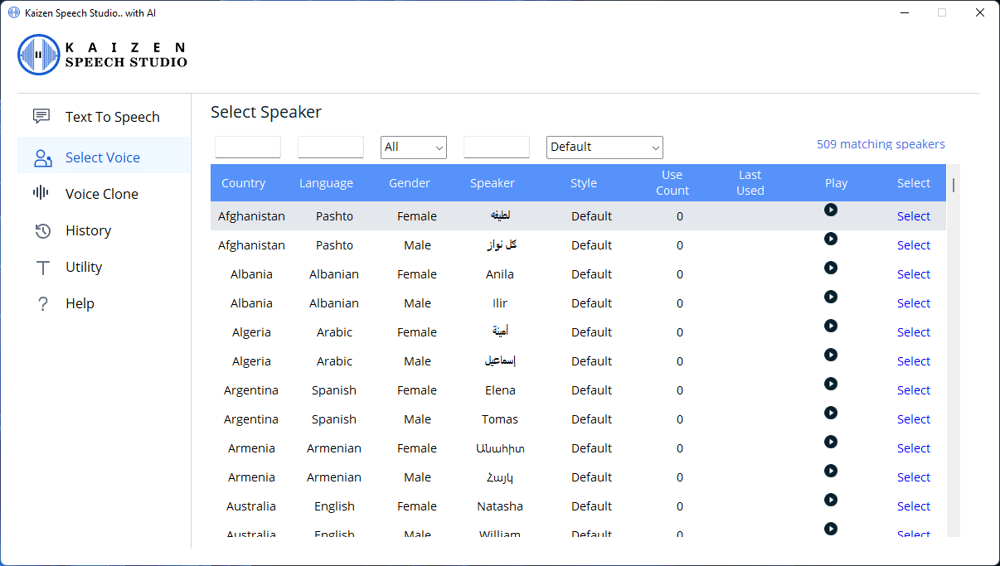
An Azure Key is a secret code that connects your computer to Microsoft’s powerful services — like Text-to-Speech (TTS). When you paste this key into our app, it allows you to use Microsoft’s 500+ premium AI voices directly from your own Microsoft account.
Think of it like using your own fuel at a gas station — you bring the power, we provide the car.
Why Use Your Own Azure Key?
✅ Get 11 hours of TTS every month – FREE
✅ No subscriptions or recurring payments to us
✅ Direct connection to Microsoft servers
✅ Your data stays private – we don’t see your key
When you use your own Azure Key, you unlock your own personal quota from Microsoft. This gives you freedom, privacy, and no middleman.
How to Get Your Azure Key (Takes 2–3 Minutes)
Go to portal.azure.com
Sign in with any Microsoft account (you can create one free).
Search for “Speech” and click "Create"
Fill in the form:
Resource Group: Create a new one or select existing
Region: Select your region (e.g., East US, West Europe)
Pricing Tier: Select Free F0
Once created, go to the Keys and Endpoint tab.
Copy:
Key 1
Region name (e.g., eastus)
Paste both into our app. Done! ✅
Need Help?
If you're stuck or not sure where to click, we’re here to help.
📅 Book a free setup call here
🧑💻 Or chat with us directly in the app or via email.
What is an Azure Key?
An Azure Key is a secret code that connects your computer to Microsoft’s powerful services — like Text-to-Speech (TTS). When you paste this key into our app, it allows you to use Microsoft’s 500+ premium AI voices directly from your own Microsoft account.
Think of it like using your own fuel at a gas station — you bring the power, we provide the car.
Why Use Your Own Azure Key?
✅ Get 11 hours of TTS every month – FREE
✅ No subscriptions or recurring payments to us
✅ Direct connection to Microsoft servers
✅ Your data stays private – we don’t see your key
When you use your own Azure Key, you unlock your own personal quota from Microsoft. This gives you freedom, privacy, and no middleman.
How to Get Your Azure Key (Takes 2–3 Minutes)
Go to portal.azure.com
Sign in with any Microsoft account (you can create one free).
Search for “Speech” and click "Create"
Fill in the form:
Resource Group: Create a new one or select existing
Region: Select your region (e.g., East US, West Europe)
Pricing Tier: Select Free F0
Once created, go to the Keys and Endpoint tab.
Copy:
Key 1
Region name (e.g., eastus)
Paste both into our app. Done! ✅
Need Help?
If you're stuck or not sure where to click, we’re here to help.
📅 Book a free setup call here
🧑💻 Or chat with us directly in the app or via email.
Watch 30 Seconds Video
See What Kaizen Speech Studio Looks Like
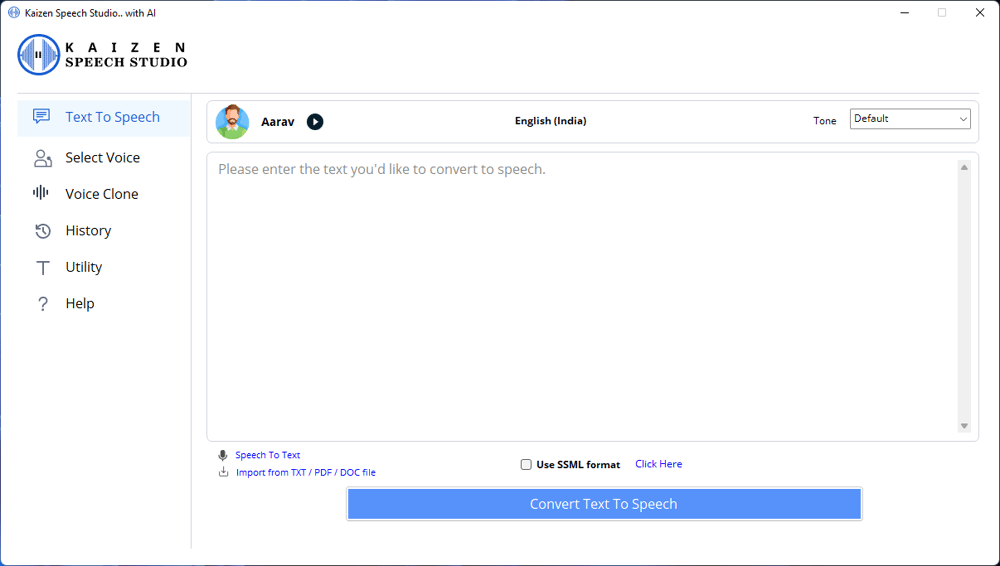
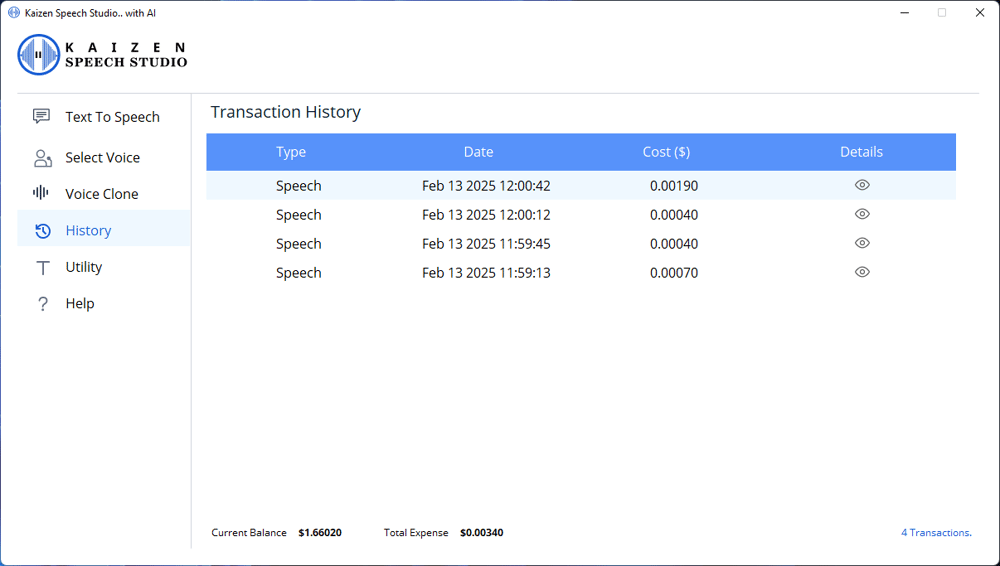
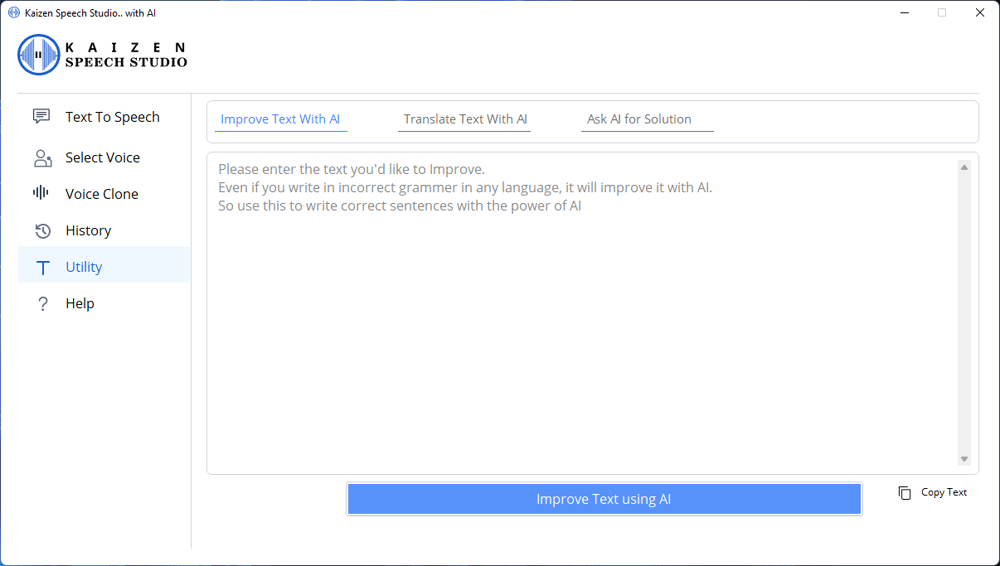
Preview our interface and features in action—clean, intuitive, and easy to use.